


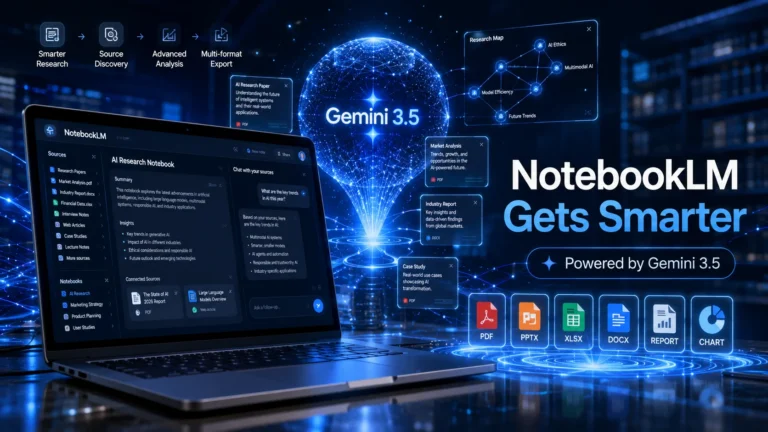
NotebookLM was already one of the more genuinely useful AI tools Google had built — the core idea of grounding AI answers in your own uploaded documents rather than general internet knowledge made it more trustworthy and more practical for actual research work than most alternatives.
Google’s AI-powered research assistant can now find sources, run advanced analysis, and export reports, presentations, spreadsheets, and more. This update is a significant step beyond that foundation. Here’s what’s new and what it actually means if you use the tool.
NotebookLM Now Runs on Gemini 3.5
The previous AI model powering NotebookLM has been replaced with Gemini 3.5, Google’s newest and most capable model. In practical terms, this means more accurate responses when working with complex documents, stronger reasoning when you’re asking it to synthesize or compare information across multiple sources, and better handling of large files that would previously have pushed earlier models toward errors or oversimplifications.
For anyone who has used NotebookLM seriously for research — uploading long PDFs, academic papers, or extensive reports — the improvement in document comprehension should be noticeable. Google claims significantly better performance on key evaluation benchmarks, including document analysis and web research tasks.
A Research Assistant That Can Find Sources for You
This is the feature that changes the workflow most fundamentally.
Previously, NotebookLM worked entirely from materials you provided. You uploaded documents, added YouTube links, and pasted in web pages — and then the AI worked with what you’d given it. The tool was powerful, but the front-end curation work was entirely yours.
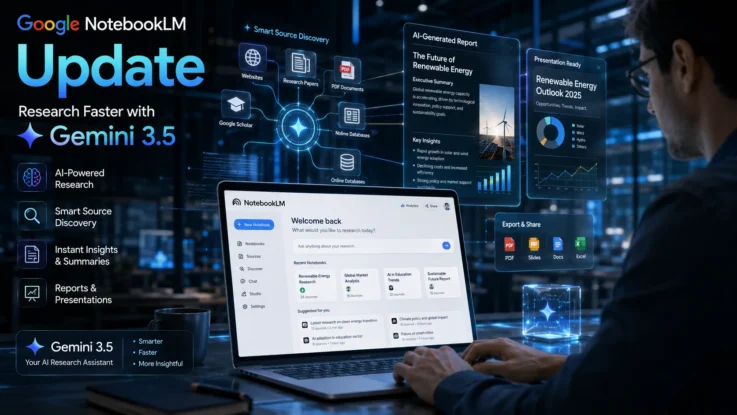
With the new update, you can start with a topic or question in conversation, and NotebookLM will use Google Search to find relevant sources and suggest materials to add to your notebook. It builds the source library for you rather than waiting for you to build it.
For researchers, journalists, students, and anyone who spends significant time on the front-end work of gathering information before the actual analysis begins, this changes the time equation considerably. The part that used to take an hour of tab-opening and link-saving can now happen in a conversation.
Introducing a Secure Cloud Computer
Google has added something that sounds technical but has real practical implications: every NotebookLM notebook now connects to a secure cloud computer that can write and execute code as part of research tasks.
What this means for users is that the platform can now perform deeper data analysis, process datasets, and generate more sophisticated outputs than was possible before. It’s not just reading your documents and summarizing them — it can actually run computations on the data they contain.
Google says the system includes more than 100 software skills that can be applied to explore, analyze, and understand source material. This puts NotebookLM in a different category from simple AI research assistants — it can do things that previously required switching to a separate data analysis tool.
New Export Formats Expand Productivity
Practically speaking, this might be the update that changes day-to-day use most directly.
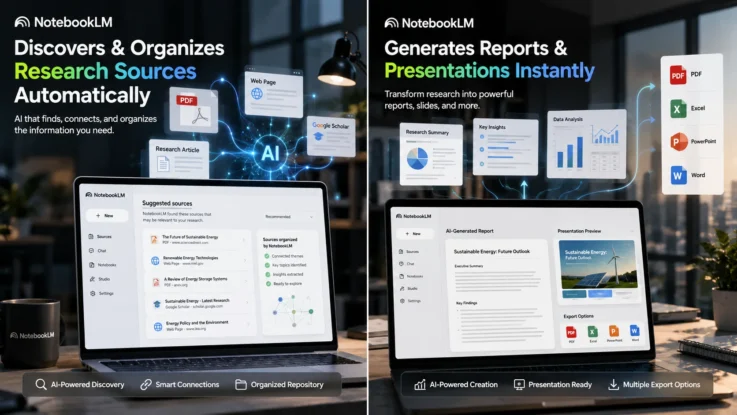
NotebookLM can now export your work as PDF reports, Word documents, PowerPoint presentations, Excel spreadsheets, CSV files, JSON data, charts and visualizations, and AI-generated images.
Think about what that actually means. You do your research in NotebookLM — gathering sources, asking questions, and building understanding — and then you generate the deliverable directly from that environment. The presentation deck. The business report. The structured dataset. Instead of copying information out of the tool and building the output in a separate application, the output gets built where the research happened.
For anyone who has spent time manually transferring insights from a research tool into a presentation or report, that workflow change is genuinely meaningful.
Better for Researchers and Business Users
Google outlined several specific use cases for the upgraded platform.
Researchers can pull information from multiple sources, run additional web searches within the notebook, analyze data, and produce reports without leaving the tool. Business teams can take technical documents — specifications, strategy papers, dense reports — and convert them into presentations, roadmaps, or simplified guides for different audiences. Small business owners can feed in performance data and get reports generated without needing to know how to build them in Excel.
The thread running through all of these is the same: the gap between research and finished output gets smaller. The tool does more of the translation work.
Similar Read: Google Chrome Quietly Installed a 4GB AI Model on PCs — Here’s How to Remove It
Why This Update Matters
NotebookLM’s original value proposition — AI that answers questions based on your sources rather than hallucinating from general internet knowledge — was genuinely useful and genuinely different from most AI tools when it launched.
This update keeps that foundation intact and builds substantially on top of it. Gemini 3.5 makes the answers more reliable. Automatic source discovery reduces the setup work. The cloud computer enables analysis that wasn’t possible before. And the export options mean the tool now produces finished work rather than just informing it.
The update is currently rolling out to Google AI Ultra subscribers and eligible Workspace customers, with broader availability expected to follow.
If you haven’t revisited NotebookLM recently, this is the update that warrants another look. The tool that was useful as a research companion is becoming something that can carry you from the first question all the way to the finished report.