


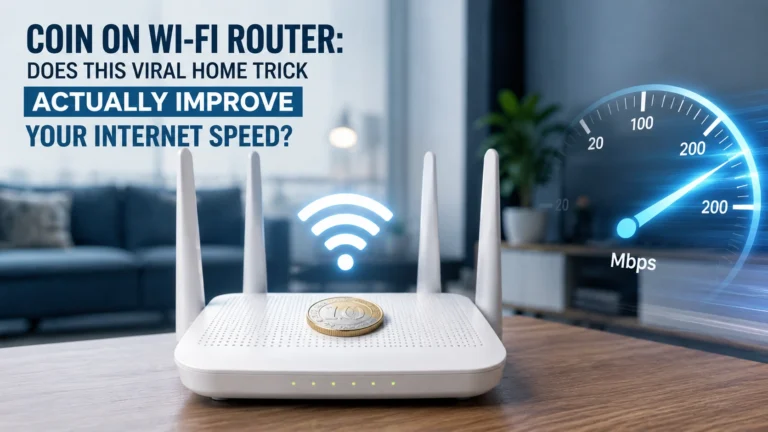
You’ve probably seen it by now. Someone posts a video showing their Wi-Fi router with a coin sitting on top of it, claiming it magically stabilised their internet connection.
The comments fill up with people saying it worked for them too. And before you know it, you’re standing in front of your own router holding a five-rupee coin, wondering if you should try it.
So let’s talk about what’s actually going on here — because the truth is more interesting and more useful than either the viral claim or a flat dismissal of it.
What Is This Coin Trick?
The trend involves simply placing a metal coin on top of your Wi-Fi router and claiming that this improves signal strength, stabilises the connection, or boosts internet speed.
The explanation that tends to accompany this claim is that the metal in the coin acts as either an antenna — helping to extend or direct the Wi-Fi signal — or a heat sink, absorbing excess heat from the router and allowing it to perform more consistently.
These are real concepts in electronics and networking. Antennas genuinely do affect signal direction and range. Heat genuinely does affect the performance of electronic components, and routers can run warm, especially in enclosed spaces.
The question is whether a small metal coin sitting on top of a router does either of these things in any meaningful way.
Does It Actually Work?
Here’s the straightforward answer — there is no scientific evidence that placing a coin on a Wi-Fi router improves internet speed or makes your connection more stable.
Wi-Fi routers already have internal antennas designed by engineers for exactly that purpose. Placing a random piece of metal on the exterior of the device doesn’t meaningfully extend, boost, or redirect those signals in the way the viral claim suggests. A coin is not a purpose-built antenna, and treating it like one is a significant stretch.
The heat sink argument has a similar problem. A small coin sitting passively on the router’s plastic casing doesn’t conduct heat away from the internal components the way an actual heat sink does. For that to work, you’d need direct thermal contact with the heat-generating components, specific materials designed for thermal conductivity, and usually some kind of airflow. A coin on the outside of a plastic box achieves essentially none of this.
So why do so many people swear it worked for them?
A few possibilities. The act of fiddling with the router — picking it up to place the coin, potentially moving it slightly, or placing it in a better position in the process — may have genuinely improved signal coverage. Coincidental timing, where an intermittent connection issue resolved itself around the same time, is another explanation. Human beings are also very good at noticing improvements and much less attentive to things staying the same, which makes placebo-style effects common in situations like this.
One Thing the Coin Might Actually Help With
There is one scenario where placing a coin on your router makes some practical sense, though it has nothing to do with signal or speed.
Lightweight routers can shift and slide around, particularly when cables are connected, and there’s natural tension pulling at the ports. A coin adds a small amount of weight that can help keep the device sitting still on a shelf or desk. It’s not a technical solution to a networking problem — it’s just basic physics. But if your router moves around a lot, a coin or any small weight could help keep it in place.
What Actually Does Improve Your Wi-Fi
If your internet connection is genuinely unreliable or slow, the coin isn’t the answer. But some things genuinely do make a difference.
Router placement is the biggest factor most people get wrong. Routers signal in all directions, so placing one in a corner of the house or inside a cabinet means a huge portion of that signal is going into walls, furniture, and areas nobody uses. Moving the router to a more central, open location can dramatically improve coverage throughout your home.
Keep it away from these specific spots:
The kitchen is a bad location — appliances and other electronics cause interference, and the environment increases the risk of accidental damage from moisture or steam.
Near windows is also problematic — signals from external networks can interfere with your connection, and you’re essentially sending a significant chunk of your signal outside where nobody in your house needs it.
Close to large metal objects — metal is genuinely terrible for Wi-Fi signals. Filing cabinets, refrigerators, large metal shelves — all of these can obstruct or weaken signal in ways that are very real and very measurable.
Walls and furniture matter too. The more solid objects the signal has to pass through on its way from the router to your device, the weaker it gets. Thick concrete walls are much worse than thin plasterboard walls. Solid wood furniture blocks more than open-framed shelving.
Restarting your router regularly — not just when something goes wrong, but as a routine maintenance habit — can also improve performance over time by clearing the device’s memory and refreshing its connections.
Related Article: Best Independence Day 2026 AI Image Prompts
The coin trick is not going to fix your Wi-Fi. It’s a viral trend built on a mixture of coincidence, placebo effect, and wishful thinking, with a thin technical-sounding explanation attached to make it feel credible.
If your internet is genuinely struggling, the solution is almost certainly in where your router is sitting rather than what’s sitting on top of it. Move it somewhere central, keep it out of the kitchen and away from metal objects, and give it a restart now and then.
That’s the boring answer. But unlike the coin, it actually works.