


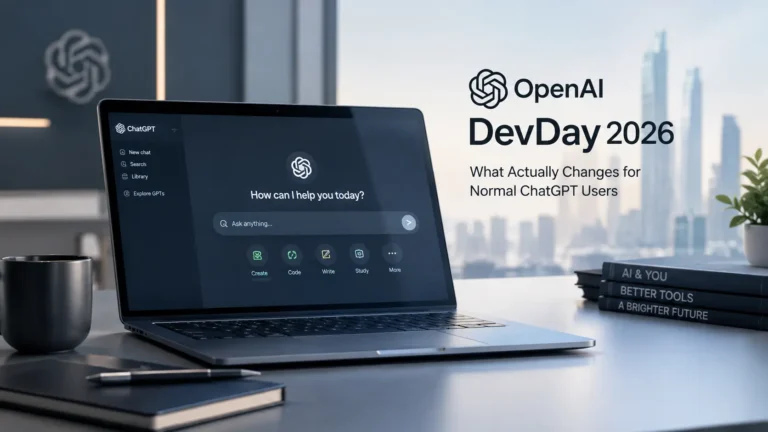
OpenAI’s DevDay 2026 came packed with over 20 major updates spanning ChatGPT, Codex, and the company’s broader model lineup.
Beyond just new features, the event signaled a genuine shift in direction too; OpenAI is clearly pushing toward an open ecosystem, turning ChatGPT into a shared environment where outside developers can build and release native tools directly to its 1.2 billion weekly active users. If you use ChatGPT regularly and want to know what this actually means for you day-to-day, here’s a simple breakdown.
What Are Dots in ChatGPT?
One of the more interesting additions here is something OpenAI is calling Dots, always-on autonomous agents built to take over recurring work and ongoing responsibilities on your behalf.
Rather than waiting around for you to type out a prompt every single time, a Dot learns your priorities and quietly operates in the background, handling tasks continuously so you’re not stuck repeating the same instructions over and over.
The idea is essentially to free up your time and attention for things that actually need your direct focus.
Who Can Use Dots and How to Turn Them On
Access to Dots depends entirely on your account type. If you’re on Pro or Business Premium, Dots are available directly in eligible markets, no extra setup required. For Enterprise, Education, and Healthcare accounts, Dots are currently available as a beta feature, and it’s switched off by default. That means a workspace administrator needs to manually enable it before team members can actually start using it.
Codex in the Cloud
For developers specifically, Codex in the Cloud is a genuinely useful addition. It lets programmers run and execute code across multiple environments, locally on a computer, remotely through a smartphone, or directly via cloud infrastructure on any machine. To help teams move faster without getting bogged down in setup, it also comes with reusable development workspaces that are pre-configured with approved company permissions, tools, and access controls.
Codex in the cloud is available across a fairly wide range of subscription tiers, including Plus, Pro, Business, Education, Healthcare, and Enterprise, so it’s not locked behind just the top-tier plans.
ChatGPT Plugin Extensions
Plugin extensions are essentially OpenAI opening up its own internal infrastructure, the same tools it uses to build native ChatGPT features, to outside developers. For everyday users, this translates into a few genuinely practical changes.
Developers can now pin custom tools directly into the ChatGPT sidebar, you can work with side-by-side workspace panels while keeping your chat open, and you can view and edit specialised third-party file types right within the ChatGPT interface itself, without needing to switch apps constantly.
What Is ChatGPT Space?
ChatGPT Space is a centralised workspace built specifically for teams working alongside AI. Think of it as a single shared hub where team members, ChatGPT itself, and any assigned Dot agents can all collaborate on shared documentation, projects, and collective data together.
To keep things from getting messy, ChatGPT automatically organises the shared space based on your own customised guidance, which should make it easier to find files quickly and pick up exactly where you left off on a project.
Right now, ChatGPT Space is fully available on desktop and web for Pro, Business and Enterprise users. On mobile, both iOS and Android currently support searching, reading, and sharing Space documents, though native document creation and editing tools on mobile are still on the way.
If you’re curious about OpenAI’s broader direction with ChatGPT lately, OpenAI’s desktop super app vision for ChatGPT, Codex and AI browsing is worth a read, and if automation is specifically what caught your attention here, OpenAI’s earlier launch of scheduled tasks in ChatGPT ties in nicely with what Dots are now building on.