


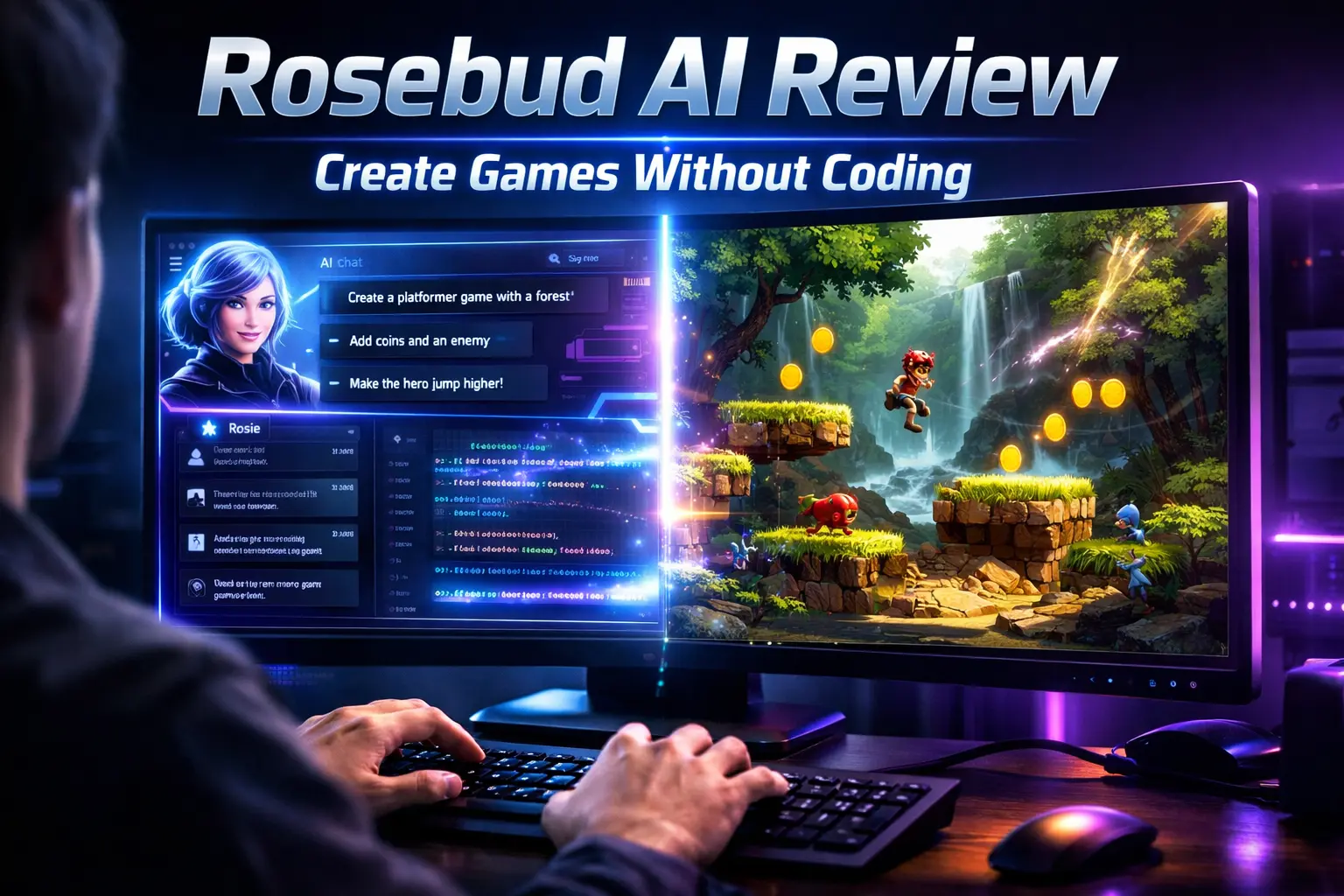
Rosebud AI is a browser-based platform that allows anyone to create games, apps, and interactive worlds using simple text prompts. You don’t need coding skills, downloads, or prior development experience to get started.
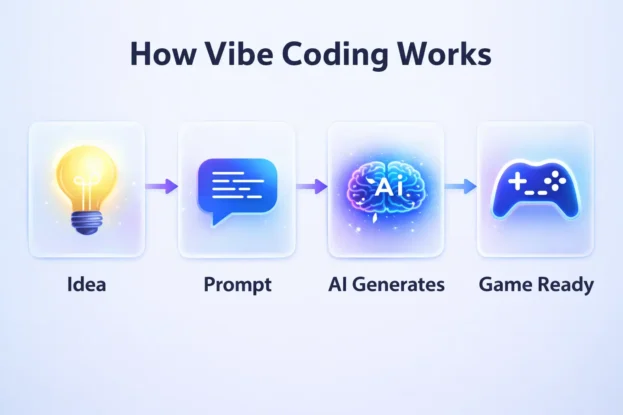
The platform uses a concept called vibe coding, where an AI assistant named Rosie converts your ideas into working code, assets, and gameplay systems instantly. This makes game development feel more like describing your imagination rather than writing technical instructions.
Table of Contents
How Rosebud AI Works
Rosebud AI works entirely inside your browser, making it extremely accessible for beginners and professionals alike. You simply log in, type your idea, and the platform builds a playable version within seconds.


The AI handles everything from physics and animations to characters and game logic. You can then refine the output by adding new prompts, making it a continuous creative loop.
Key Features of Rosebud AI
Natural Language Game Creation
The biggest highlight is the ability to create games using plain English prompts. You can describe gameplay, environments, and characters, and the AI translates that into a working project.
Instant Prototyping
Rosebud AI builds playable prototypes in seconds, which is perfect for testing ideas quickly. This helps creators experiment without spending weeks on development.
AI Assistant Rosie
Rosie acts like your personal game developer, suggesting improvements and writing code behind the scenes. It also helps with iteration, making the process smooth and interactive.
Community Remixing
You can explore thousands of public projects and remix them to create your own version. This encourages collaboration and speeds up learning for beginners.
What You Can Build on Rosebud AI
Rosebud AI supports a wide range of creative projects, from simple games to complex interactive experiences. It is designed to handle both 2D and 3D environments with ease.
You can build platformers, RPGs, puzzle games, and even multiplayer experiences. The flexibility of prompts allows you to create unique worlds without technical limitations.
How to Create a Game in Under 5 Minutes
Step 1: Start Your Project
Sign up on the platform and click on Create Game. You can either choose a template or type a prompt describing your idea.
Step 2: Build Your Scene
Add elements like backgrounds, platforms, and characters using prompts. The AI automatically generates visuals and physics.
Step 3: Add Controls
Describe how your character should move or interact. For example, you can assign keyboard controls or add jumping mechanics.
Step 4: Add Logic and Enemies
You can introduce scoring systems, enemies, or collectibles using simple instructions. The AI handles all backend logic.
Step 5: Publish and Share
Once your game is ready, publish it and share the link. Anyone can play your game instantly without downloading anything.
Rosebud AI Pricing Plans
| Plan | Price | Key Features |
|---|---|---|
| Free | $0 | 20 prompts per week, public remixing, non-commercial use |
| Indie | $10–13/month | 300 prompts, limited commercial rights, private projects |
| Pro | $20–50/month | Unlimited prompts, full commercial rights, multiplayer tools |
The free plan is ideal for beginners who want to explore the platform. Paid plans unlock advanced features and allow monetization.
Monetization Options Explained
Rosebud AI allows creators to earn money from their games without taking any commission. This is a major advantage compared to many other platforms.
Publish and Sell
You can export and sell your games on different platforms. Paid plans give you full commercial rights.
Tip Jar Integration
Creators can connect to Stripe and allow players to support them through tips. This feature is easy to set up within the app.
Microtransactions
You can add in-game purchases such as skins or upgrades. All payments are handled via Stripe, and you keep the revenue.
Revenue Policy and Earnings
Rosebud AI does not take any share from your earnings, which is a huge benefit for creators. You keep 100 percent of your revenue, minus standard Stripe fees.
Stripe typically charges around 2.9 percent plus a small fixed fee per transaction. The remaining amount is directly transferred to your bank account.
User Experience and Interface
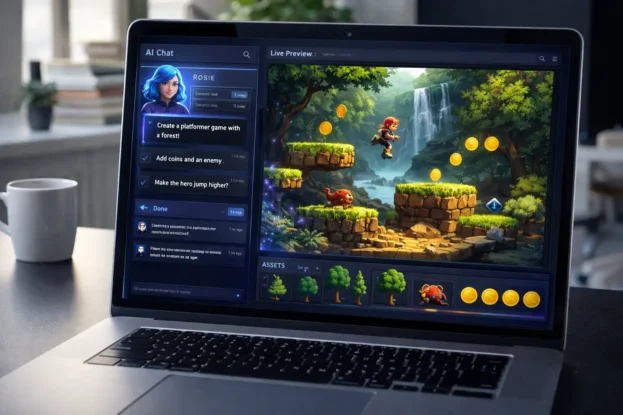
The interface is clean, interactive, and designed for ease of use. You get a live preview panel where you can test your game instantly.
The chat-based system makes it feel like you are collaborating with an intelligent assistant. Even complex changes can be made with simple follow-up prompts.
Pros and Cons of Rosebud AI
Pros
Rosebud AI makes game development accessible to everyone. It is fast, beginner-friendly, and requires no coding knowledge.
The platform also supports monetization without taking a commission. This makes it highly appealing for indie creators.
Cons
The output quality depends heavily on how well you write prompts. Beginners may need some trial and error to get the best results.
Free plans also have limitations, especially when it comes to commercial use and prompt limits.
Also Read: Pronto App Review: House Help in Minutes or Just Smart Marketing?
Who Should Use Rosebud AI
Rosebud AI is perfect for beginners who want to explore game development without learning programming. It is also useful for indie developers who want to prototype ideas quickly.
Educators, students, and content creators can use it to build interactive experiences. Even experienced developers can benefit from faster iteration and testing.
A Different Way to Think About Game Creation
Instead of thinking like a developer, Rosebud AI encourages you to think like a creator. You focus on ideas, storytelling, and gameplay while the AI handles the technical complexity.
This shift makes game development more accessible than ever. Your imagination becomes the only real limit, and every prompt brings your idea one step closer to reality.